


 1
1
NNTP pipelining is a performance setting in SABnzbd that allows the app to request multiple Usenet articles at once instead of waiting for each response individually. This reduces idle time between requests and can improve transfer rates in certain conditions.
When NNTP Pipelining Helps
Pipelining is most useful when there is noticeable delay between your system and the Usenet server. This delay is known as latency. When latency is higher, each request-response cycle takes longer, and pipelining helps keep the connection active by sending multiple requests in sequence.
You may see better results when:
- Using fewer connections
- Connecting from a distant region
- Running SABnzbd on a remote system or VPS
In setups where bandwidth is already fully used, increasing requests per cycle may not change overall speed.
How NNTP Pipelining Works
Normally, SABnzbd requests one article and waits for the server to respond before requesting the next. With pipelining enabled, multiple article requests are sent in a batch. The server processes them in order, reducing gaps between transfers.
This keeps data flowing more consistently, especially when network round-trip time is higher.
Enable NNTP Pipelining in SABnzbd
Follow these steps to adjust the pipelining setting:
- Open the SABnzbd Web interface.
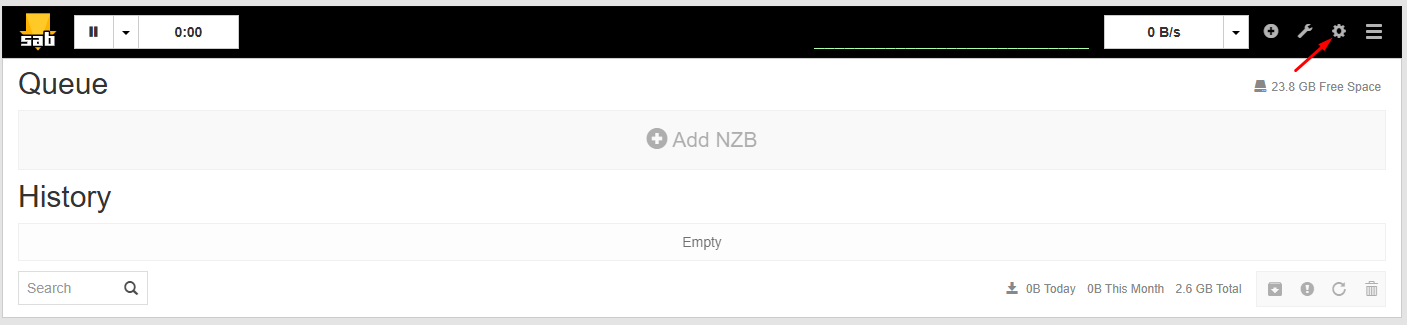
- Click Settings.
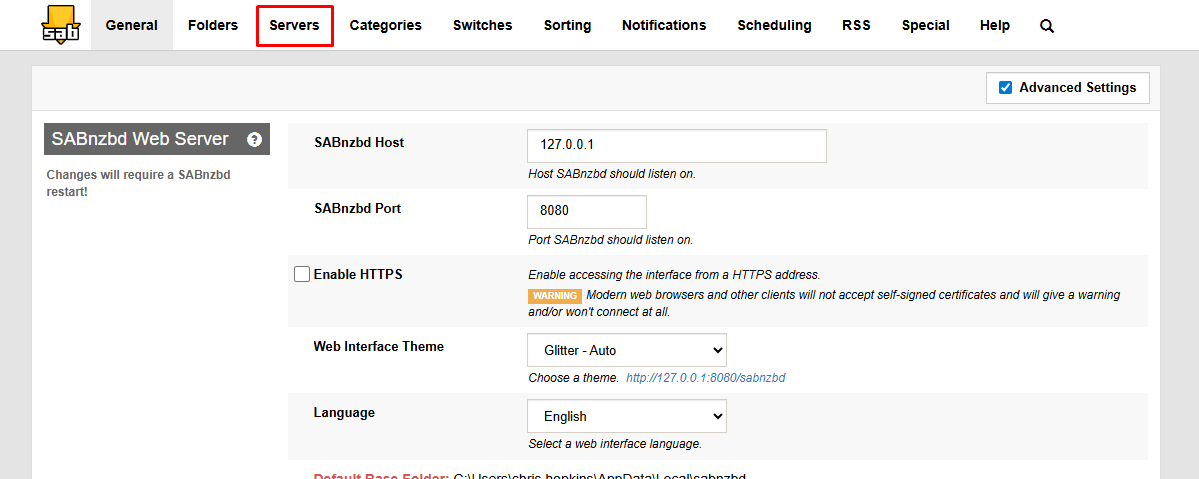
- Go to the Servers tab.
- Find your Sunny Usenet server in the list.
- Click Show Details next to the server.
- Locate the Articles per request field.
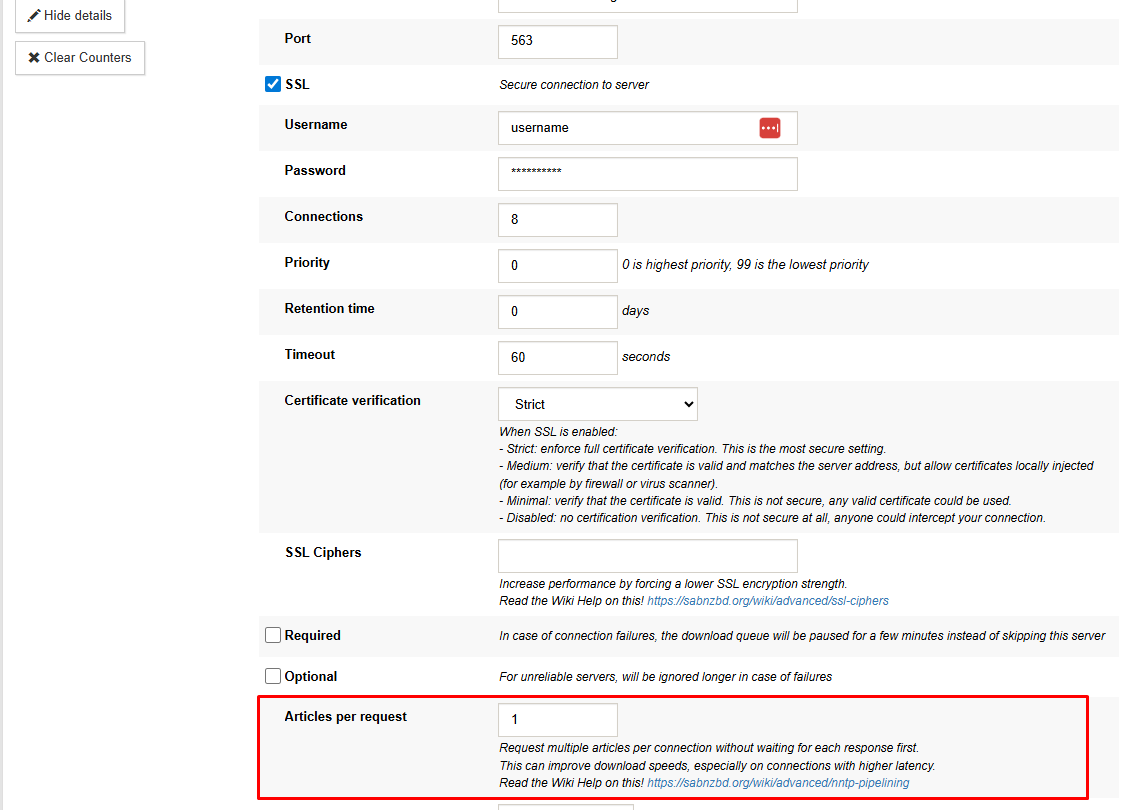
- Enter a value to control how many articles are requested at once.
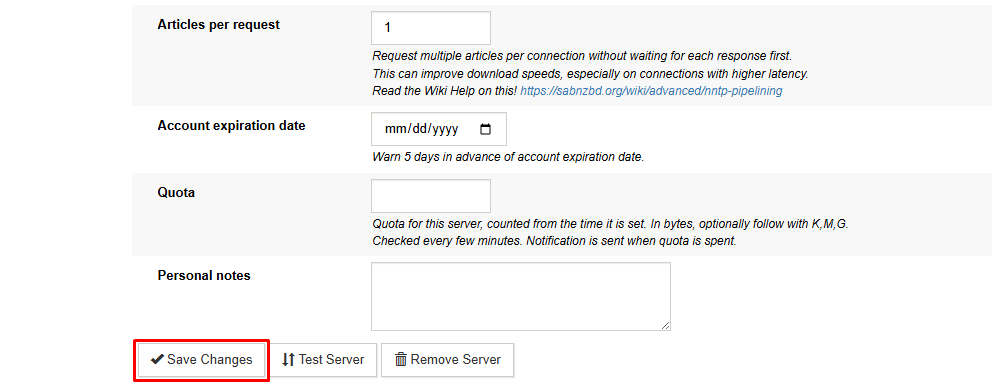
- Click Save Changes.
Start with a moderate value and adjust based on performance. Lower values may be more stable, while higher values can improve throughput in higher-latency setups.
Choosing the Right Value
There is no single best setting. The ideal number depends on your connection, latency, and system performance.
- Lower values: More stable, less aggressive
- Higher values: Better throughput in some cases, but can increase load
Test a few different values and monitor your transfer rate to find the best balance.
Practical Notes
- More connections do not always increase speed. Some plans limit throughput regardless of connection count.
- Systems hosted closer to the Usenet provider often have lower latency, reducing the need for pipelining.
- Pipelining is one of several tuning options and works best when combined with proper connection settings.
Where You’ll Notice the Difference
NNTP pipelining can improve transfer efficiency by reducing wait time between article requests. It is most effective when latency is a limiting factor or when running with fewer connections. In high-bandwidth setups that are already saturated, gains are usually minimal.

